Vibify - Elevating Your Spotify Experience with Customized Features
In the ever-evolving landscape of music streaming, personalization is key to enhancing user experience. Vibify steps into this realm as a Node.js API designed to interact seamlessly with the Spotify API, offering users an enriched musical journey. Beyond the standard features of Spotify, Vibify adds layers of customization, from playlist organization to tailored track recommendations. Let’s delve into how Vibify amplifies your Spotify adventure.
Vibify is designed to work without a database (other than storing the user’s access token and refresh token, of course) and can be self-hosted on a Raspberry Pi or any other server with minimal resources, as long as it has access to the internet and can run Node.js.
Why?
I found myself constantly liking songs on Spotify but never organizing them into playlists. This led to a staggering collection of ~8000 liked songs in ~4 years, and the number was only increasing (funnily enough, even more so now that Vibify exists). Frustrated by the chaos, I decided to take matters into my own hands and develop a solution.

What can it do?
Vibify offers a range of features to enhance your Spotify experience:
- Generate Recommendations: Discover new tracks based on your listening habits and preferences.
- Create Playlists: Organize your Spotify library by generating playlists based on specific criteria.
- Analyze Listening Habits: Gain insights into your listening habits and track preferences.
- Filter Playlists: Filter out songs from your liked songs based on specific criteria.
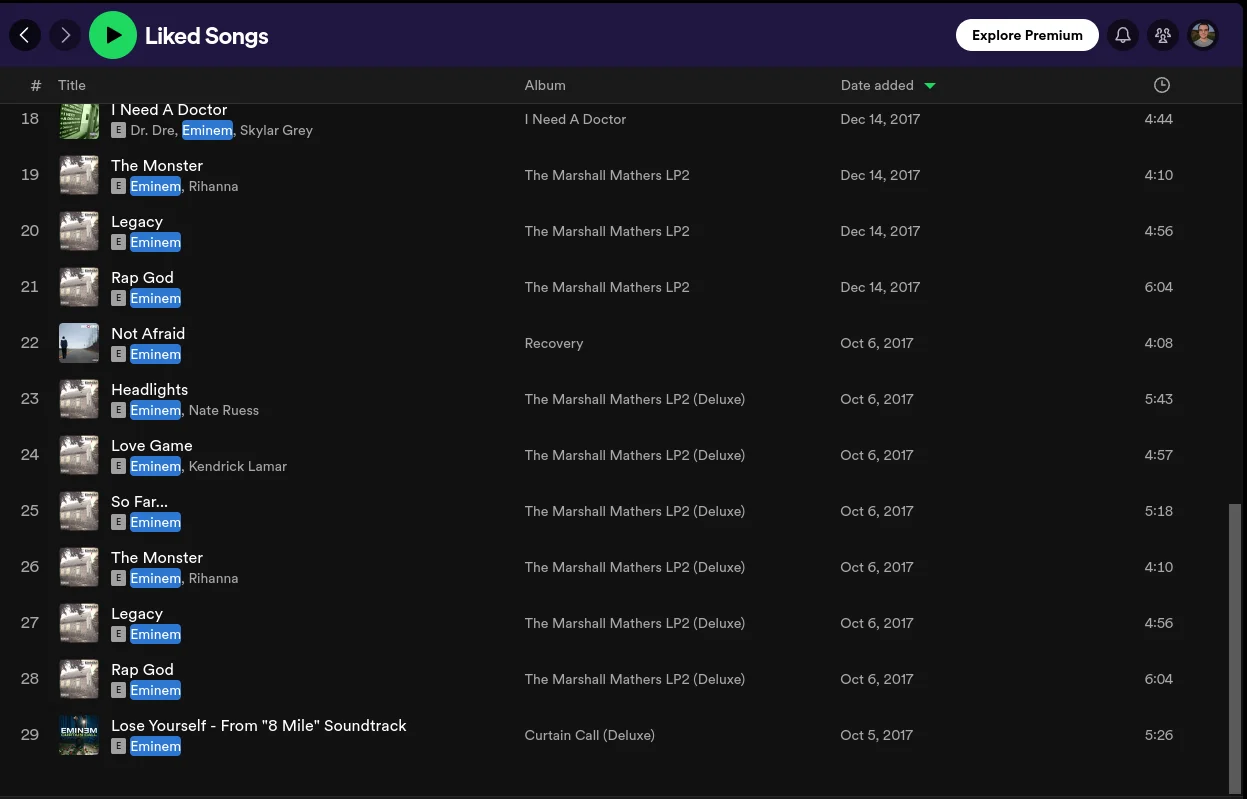 29 songs found with the search term “Eminem”
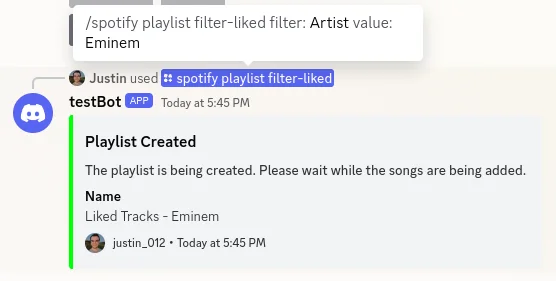 Request to filter the search results by the artist “Eminem”
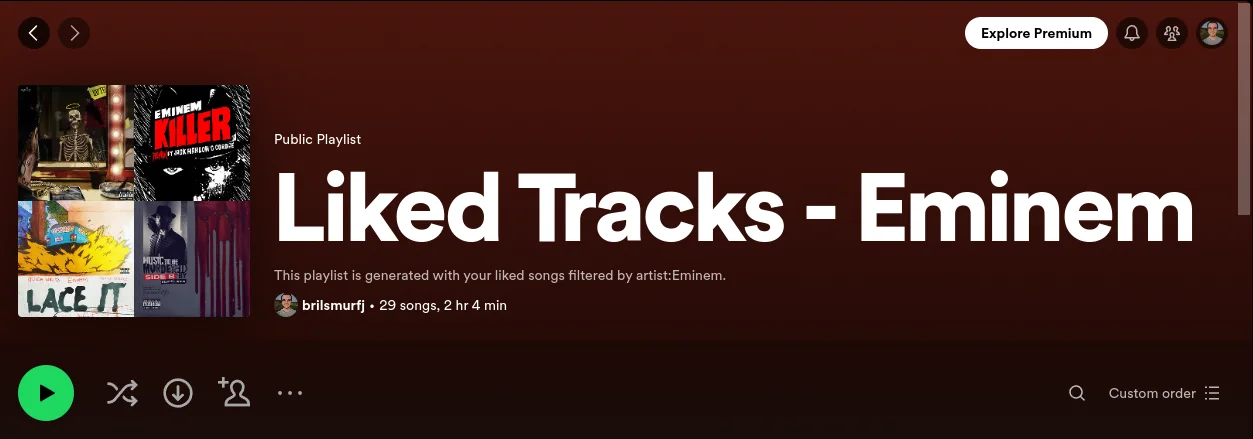 Playlist with 29 songs by the artist “Eminem”
If the playlist already exists, and you try to create it again, it will update the playlist with the new songs that match the criteria.
It also accepts multiple filters, so you can create unique playlists with different artists.
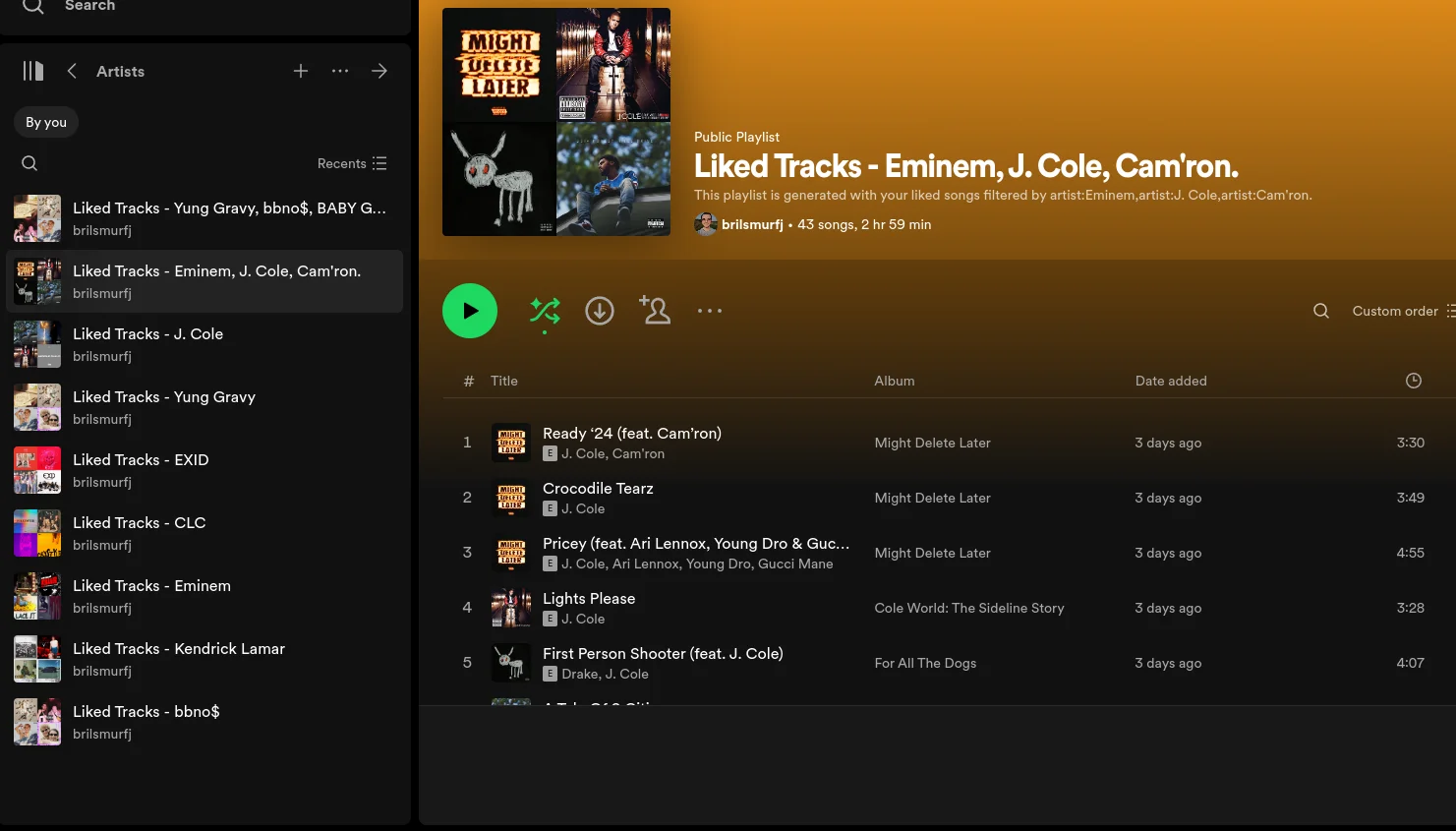
As you can see, it’s a powerful tool for Spotify users who want to take control of their music library and explore new tracks that align with their tastes, but it’s much more than that. Vibify is designed to be a versatile API that can be integrated into various applications with ease.
How can I use it?
Note: Vibify is currently not publicly available and requires self-hosting.
- Spotify Developer Account: You’ll need to create a Spotify Developer account to access the Spotify API and obtain the necessary credentials.
- Node.js Environment: Ensure you have Node.js installed on your machine to run the Vibify server.
- MySQL Database: Set up a MySQL database to store user data and access tokens securely.
Clone the GitHub repository and follow the setup instructions in the readme to configure Vibify.
Once it’s running, you can use it in your own projects by using my npm package: Vibify Client or by making requests to the API directly from your terminal. Follow the documentation for detailed instructions on how to interact with Vibify. Note: The documentation may be incomplete, as the project is still in development.
Or wait until it’s publicly available, and I’ll provide a hosted version for you to use. There is a mobile app in development which will also be available as web app, so stay tuned for that!
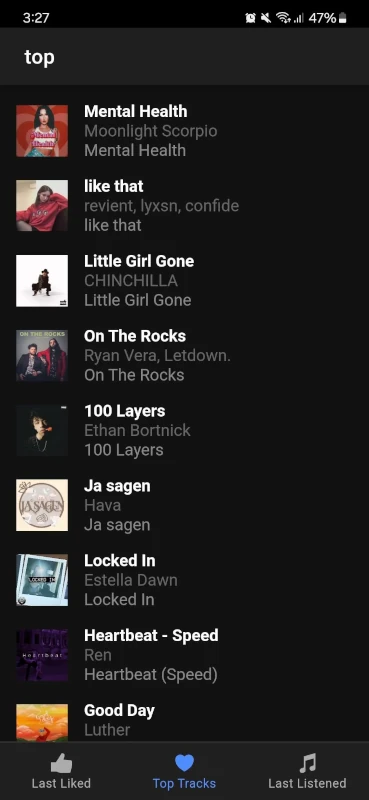
Enjoy the journey of organizing your Spotify library and discovering new tracks with Vibify!