Vibify - A Rest API for Spotify with added features
Project Overview:
Vibify is a Node.js API that interacts with the Spotify API to fetch user data, currently playing track, top tracks, and other Spotify functionalities. It provides additional features such as generating playlists based on user preferences, recommending tracks, and generating playlists for your liked songs from a specific time period.
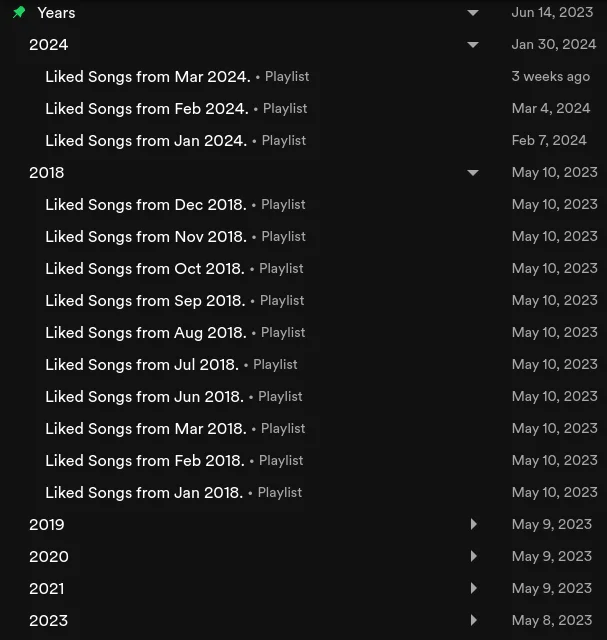
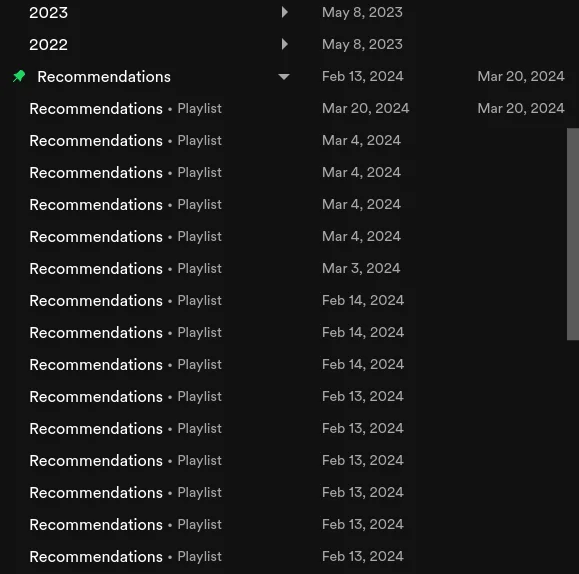
See it for yourself on spotify
Objectives
- Organizing your liked songs from specific time periods into their own playlists.
- Recommending tracks based on your listening history and preferences.
Main Features
- User Authentication:
- The API returns an authorization URL for the user to log in with their Spotify account and accept the required permissions. Once authenticated, Vibify stores the user’s access token for future requests.
- Generating Recommendations
- Vibify uses the Spotify API to generate track recommendations based on the user’s listening history, top tracks, and preferences. Users can specify the number of recommendations they want to receive.
- Playlist Generation
- Users can create playlists based on their liked songs from a specific time period. Vibify fetches the user’s liked songs and organizes them into playlists based on the specified time range.
- Users can filter their liked songs by artist(s) and create playlists with their liked songs that match the criteria.
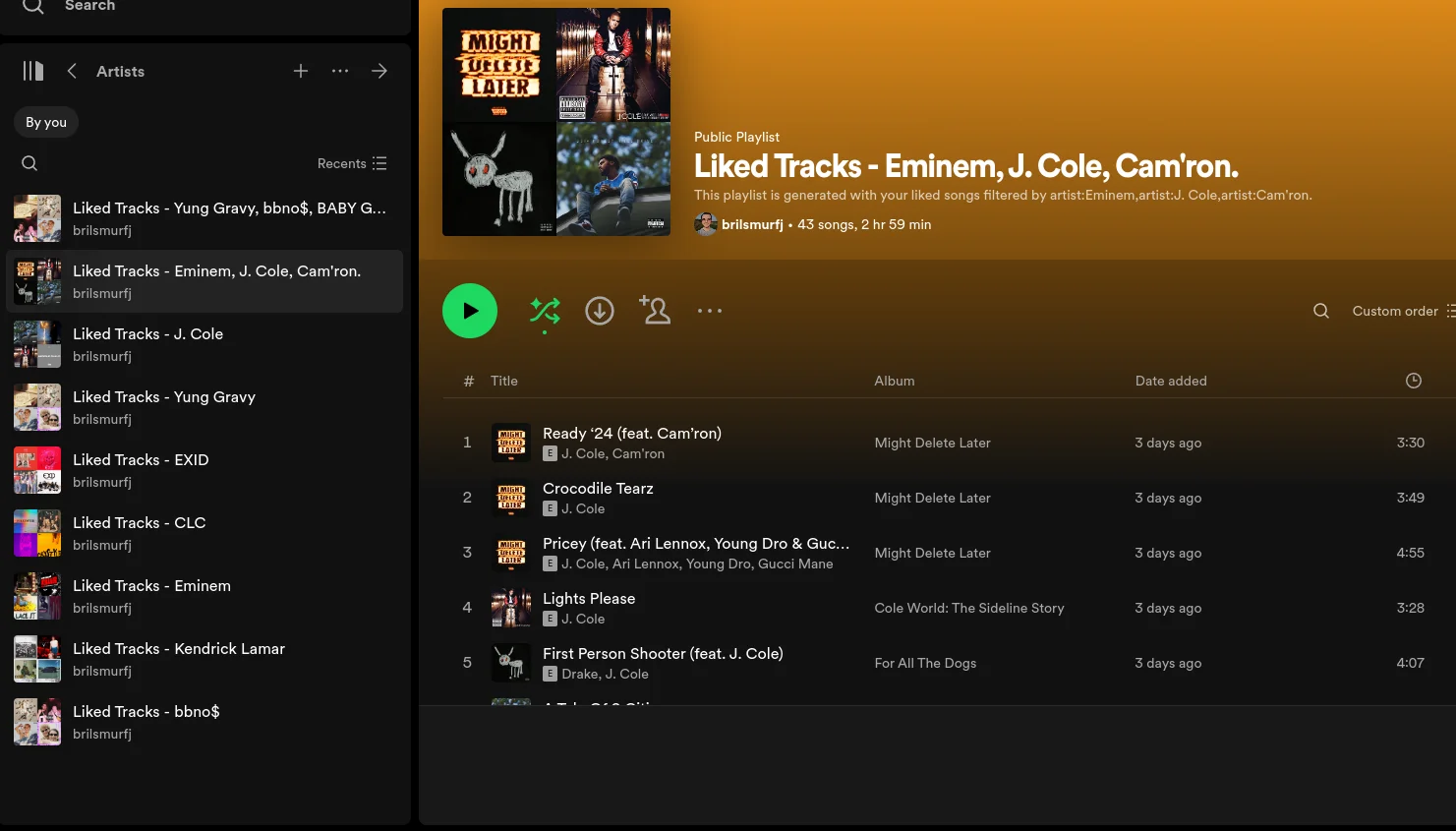
Technology Stack
- Backend: Node.js for server-side logic and API integration.
- Database: MySQL for storing only username, access token, and refresh token.
- Spotify API: For fetching user data, recommendations, and playlist creation.
- Deployment: Hosted on a Raspberry Pi.
Outcome
Vibify has successfully cleaned up my Spotify library by organizing my liked songs into playlists based on specific time periods. The recommendation feature has introduced me to new tracks that align with my music taste, enhancing my overall listening experience.
Interested in how it works?
or for a more casual read, check out this blog post
Or check out the GitHub repository to see under the hood.